Welcome
Welcome to the Digital Metaphors website, where we share information and insight on ReportBuilder, the premier reporting tool for Delphi developers!


What's New
ReportBuilder 23.04 now available!
New features
- new Delphi 13.1 support!
- new Code-Signed RB Installs
- new Enhanced UI Style support
- new Optimized UI to reduce flicker
- new Preview toolbar icons
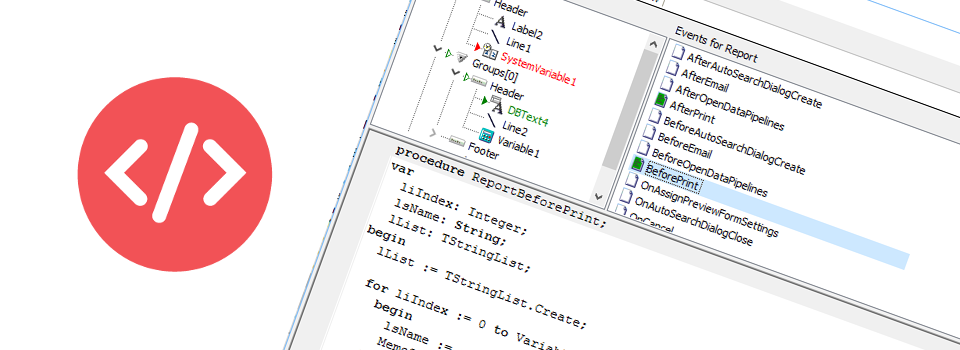
- new Code Editor Search/Replace
- new Improved Report Server 64-bit support
- new Optimized PDF for speed
- new PDF Radio Buttons
- new Shared Cloud Drives
- new Image Rotation
- new Email Status Dialog